


Custom T-Shirt Printing Guide: Local Solutions for Teams
- Megan Robnett
- 5 hours ago
- 7 min read
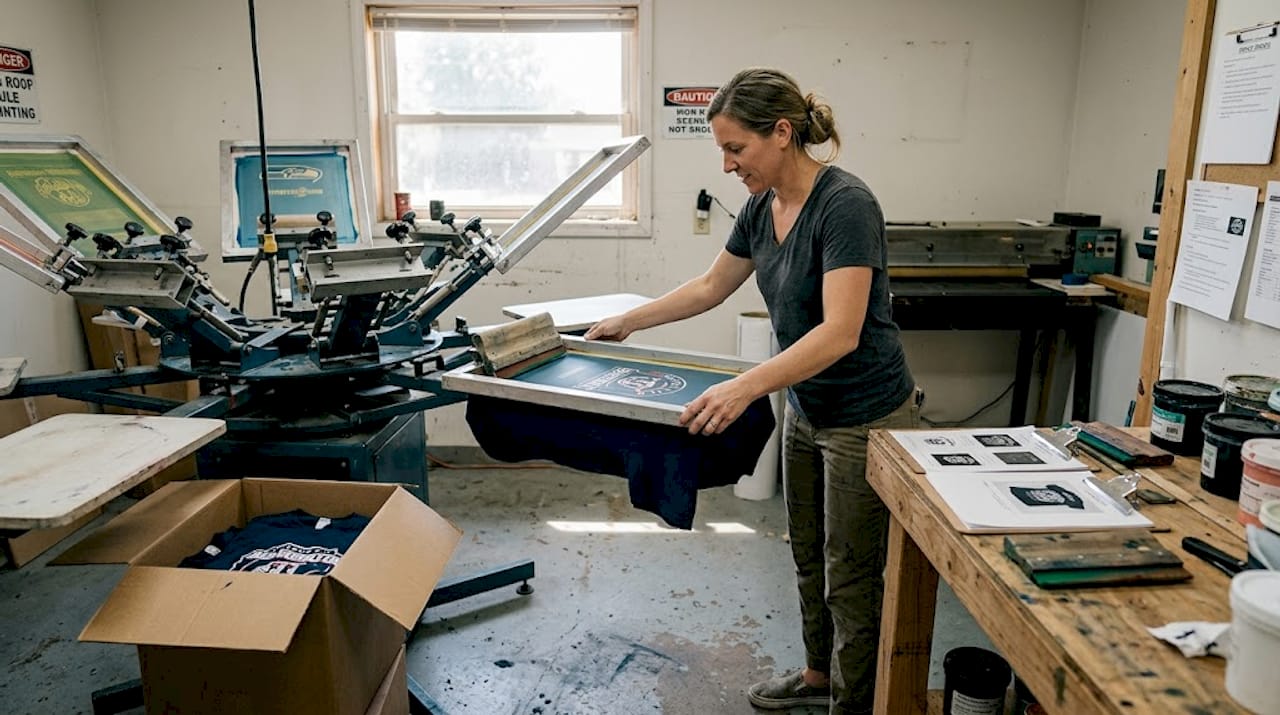
Picture this: your youth soccer team shows up to the regional tournament in mismatched, faded shirts with a logo that looks like it was printed in someone’s garage. Meanwhile, the rival team walks in wearing sharp, color-matched jerseys that scream professionalism. That moment costs you more than just pride. It costs you visibility, credibility, and the kind of first impression that sticks. For businesses, schools, and sports teams across Kings County and the Central Valley, getting custom t-shirt printing right is one of the simplest ways to build brand recognition and team unity. This guide walks you through every step, from prepping your artwork to picking up your finished shirts.
Table of Contents
Key Takeaways
Point | Details |
Match method to order size | Screen printing is best for bulk teams, while DTG and DTF excel with small runs and detailed designs. |
Use high-quality artwork | Vector files at 300 DPI ensure crisp prints and avoid delays or extra fees. |
Proof before production | Always review and approve a digital or physical proof to catch last-minute errors. |
Work with local experts | Regional providers offer quick turnaround, better support, and methods suited for your needs. |
What you need before you print: Artwork and prep essentials
Now that you understand the real value of customized shirts, let’s make sure your design files are ready for flawless printing. Submitting the wrong file type is one of the most common reasons orders get delayed or come back looking blurry and unprofessional. Getting this right upfront saves you time, money, and frustration.
Here’s a quick reference for what your printer needs:
File element | Requirement | Why it matters |
File format | AI, EPS, PDF, SVG (vector) | Scales without quality loss |
Raster files | PNG with transparent background, 300 DPI | Prevents pixelation |
Fonts | Outlined or embedded | Avoids font substitution errors |
Color mode | CMYK or Pantone | Matches physical ink accurately |
Contrast | High contrast between design and shirt | Ensures readability |
Vector files are the gold standard for a reason. Unlike JPEGs or PNGs, vector formats like AI and EPS can scale to any size without losing sharpness. If you send a low-resolution JPEG, your printer may have to reject it or the final product will look soft and unprofessional. Always follow artwork preparation tips to make sure your files meet the standard: vector formats at 300 DPI, outlined fonts, and CMYK or Pantone colors.
A few common mistakes to watch for:
Sending RGB files instead of CMYK (colors shift significantly when printed)
Forgetting to outline fonts, which causes text to reformat on another computer
Using low-contrast color combinations that disappear on dark or light shirts
Including transparency effects that don’t translate well to screen printing
Always request a digital proof before your job goes to press. Even a small typo or color shift caught at the proof stage saves you from reprinting an entire run.
Pro Tip: For screen printing, add a tiny overlap (called a “trap”) between adjacent colors to prevent gaps caused by slight misalignment during printing. Your local regional printing providers can often help you set this up if you’re unsure.
Choosing the best printing method for your needs
With your design file ready, the next step is matching your project to the right print method. Screen printing, direct-to-garment (DTG), and direct-to-film (DTF) each have a sweet spot. Choosing the wrong one can mean overpaying, undersatisfying, or both.
Here’s how the three main methods stack up:
Method | Best order size | Cost per shirt | Durability | Best design fit |
Screen printing | 12+ shirts | $2-$8 | Excellent | Simple, bold graphics |
DTG | 1-11 shirts | $10-$25 | Good | Photo-quality, full color |
DTF | 1-50+ shirts | $4-$10 | Very good | Complex designs on blends |
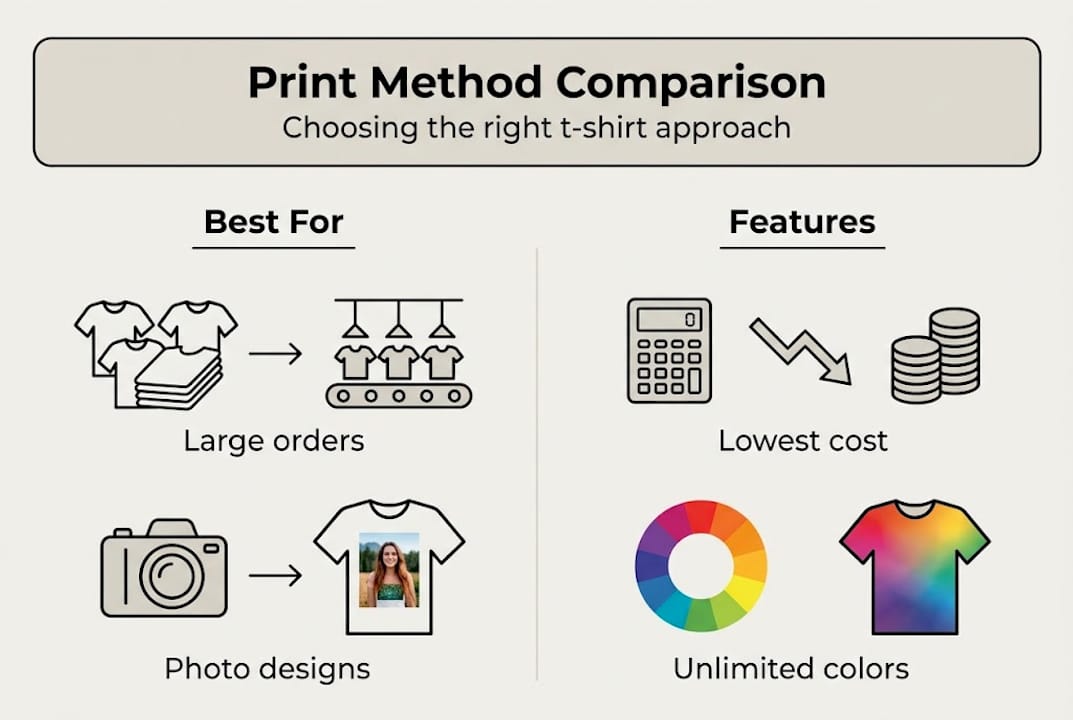
Screen printing is most cost-effective for bulk orders, DTG shines for small runs with complex colors, and DTF offers the most fabric versatility. And screen printing provides years of durability compared to DTG or DTF, which makes it the go-to for team uniforms and work shirts that take a beating.
When should you choose each method?
Screen printing: Sports teams ordering 24+ uniforms, school spirit day shirts, business staff polos in one or two colors
DTG: One-off event shirts, small club orders, designs with gradients or photographic detail
DTF: Polyester jerseys, blended fabrics, small batches with intricate multi-color artwork
Explore DTG and DTF methods in more detail if you’re still deciding between them for a specific project.
Pro Tip: You don’t have to pick just one method. Many businesses in the Central Valley order screen printed staff tees for everyday wear and embroidered polos for client-facing roles. Mixing methods through your custom garment options gives you the right look for every occasion without blowing your budget.
Step-by-step process: From design to shirts in hand
Once you’ve picked the best method, here’s exactly how to turn your vision into real, wearable shirts. The process is simpler than most people expect, especially when you work with a local provider who knows your timeline and your needs.
Prep your files using the format and resolution guidelines above
Choose your print method based on order size, fabric, and design complexity
Submit to your provider with shirt sizes, quantities, and color preferences
Review your digital proof carefully for spelling, colors, and placement
Approve and pay to lock in your production slot
Receive your shirts via pickup or local delivery
Here’s a general timeline to plan around:
Stage | Typical timeframe |
File review and proof | 1-2 business days |
Production | 5-10 business days |
Pickup or delivery | Same day to 2 days |

Local providers in Kings County and the Central Valley offer all major methods for schools, businesses, and teams, often with faster turnaround than national online printers. And the stats back up why this matters: 85% of people recall a brand after receiving branded apparel, making your shirts one of the most cost-effective marketing tools you can invest in.
When you contact your provider, be specific. Tell them your event date, your shirt color preferences, and whether you have brand guidelines to follow. The more detail you give upfront, the fewer rounds of revision you’ll need. If you’re ready to order custom t-shirts locally, a quick call or online quote request is all it takes to get started.
Troubleshooting and expert tips for flawless results
Even with a solid process, a few insider steps can save time, money, and reputation. Most printing problems are predictable and totally avoidable once you know what to watch for.
Common issues and how to fix them:
Blurry or pixelated print: You submitted a low-resolution raster file. Switch to a vector format or increase your DPI to 300.
Colors look different than expected: You designed in RGB. Convert to CMYK before submitting.
DTG print looks faded on dark shirts: Dark fabrics require a white underbase layer. Confirm your provider applies it.
Screen print colors bleeding together: Your design has too many adjacent colors without trapping. Ask your printer to adjust.
DTF peeling after a few washes: The transfer wasn’t pressed at the right temperature or time. Always follow care instructions.
DTG needs cotton pretreatment, screen printing works best with fewer than eight colors, and testing dark designs on light shirts first helps you catch visibility issues before the full run. These aren’t just tips for beginners. Even experienced buyers run into these edge cases, especially when switching fabrics or methods.
Safety note: If you’re using a heat press at home or in a school setting, always follow manufacturer guidelines for temperature and pressure. Improper use can damage equipment, fabrics, or cause burns.
Pro Tip: For large orders or high-stakes events like graduation, a championship game, or a product launch, always request a printed sample shirt before approving the full run. It costs a little extra but protects your entire investment. Your printing troubleshooting resources and local provider can walk you through what to look for on that sample.
What most local groups get wrong about t-shirt printing
Before you move forward, consider these insider lessons that most first-timers miss. The biggest mistake we see? Chasing the cheapest price without understanding what you’re actually comparing. A quote that looks 30% lower might not include setup fees, shipping, or a proof round. By the time you add those in, the “deal” evaporates.
Screen printing runs $2 to $4 per shirt at 100 pieces, DTF lands around $4 to $8, and DTG is typically higher for bulk but has no minimum. Knowing these benchmarks helps you spot a real deal versus a bait-and-switch.
The second mistake is skipping the proof. We’ve seen entire runs printed with a misspelled team name or the wrong shade of blue. A five-minute proof review prevents a five-day reprint nightmare.
The third mistake is treating all providers as equal. A national online printer doesn’t know that your event is in two weeks, that you need a specific Pantone color to match your school’s brand, or that you want to pick up in Lemoore instead of waiting on shipping. That local relationship matters more than most people realize. Working with local custom t-shirt providers who understand Kings County’s pace and priorities gives you a real edge, especially when timelines get tight.
Take your custom t-shirts to the next level with local experts
If you’re ready to get started, here’s how to turn your next custom shirt project into something people actually wear and remember.
At Plain Insane Graphix in Lemoore, we’ve spent over 20 years helping Kings County businesses, schools, and sports teams get their branding exactly right. Whether you need 24 screen printed spirit shirts or 200 embroidered staff polos, our team handles every detail from file prep to final pickup. Explore our custom t-shirt printing services and see why local groups trust us for fast turnaround, competitive pricing, and results that hold up wash after wash. Check out our quality guarantee and request a quote today. Quick Turnaround. Great Prices. Amazing Quality.
Frequently asked questions
What is the most cost-effective printing method for bulk orders?
Screen printing is best for bulk orders of 12 or more shirts, offering the lowest cost per shirt and top durability, making it ideal for schools and sports teams.
Which printing method works for photo-quality or multi-color designs?
Direct-to-garment (DTG) is the best choice for unlimited colors and detailed photo-quality images on small runs. DTG excels for small runs of 1 to 11 shirts with photorealistic designs.
How should I prepare a design file for custom t-shirt printing?
Use vector formats like AI, EPS, PDF, or SVG at 300 DPI, outline your fonts, and submit CMYK or Pantone colors for the most accurate results.
Can I print on materials other than cotton?
Yes. DTF printing works across cotton, polyester, and blended fabrics with excellent durability, while DTG is best suited for 100% cotton garments.
How long do custom printed shirts last?
Screen printing provides superior durability,
lasting years of washes, while DTF and DTG typically hold up for 50 to 100 or more washes with proper care.


Comments